Video Recording Process#
This document outlines the process of recording a video with playback audio to test certain features. The steps provided ensure a seamless recording experience with precise timing for effective testing. Follow these instructions carefully to achieve optimal results.
Step 1#
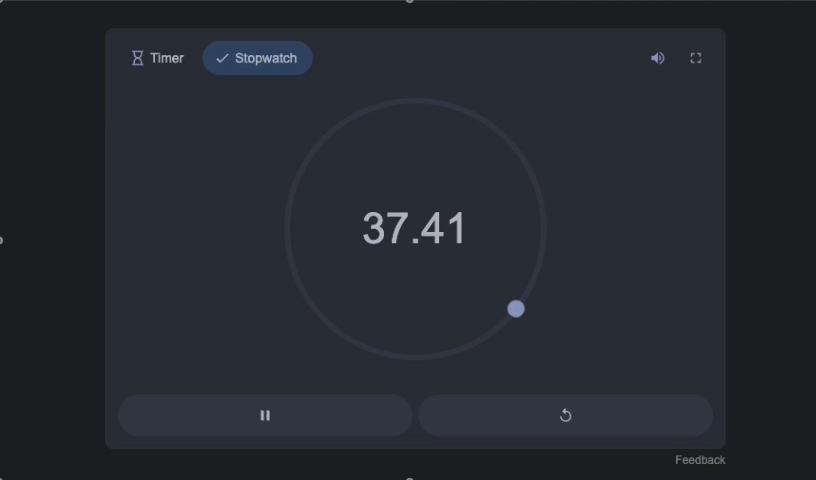
Begin the recording process. This time, ensure that the video is accompanied by playback audio. Test if any skips or interruptions occur during this attempt.
Step 2#
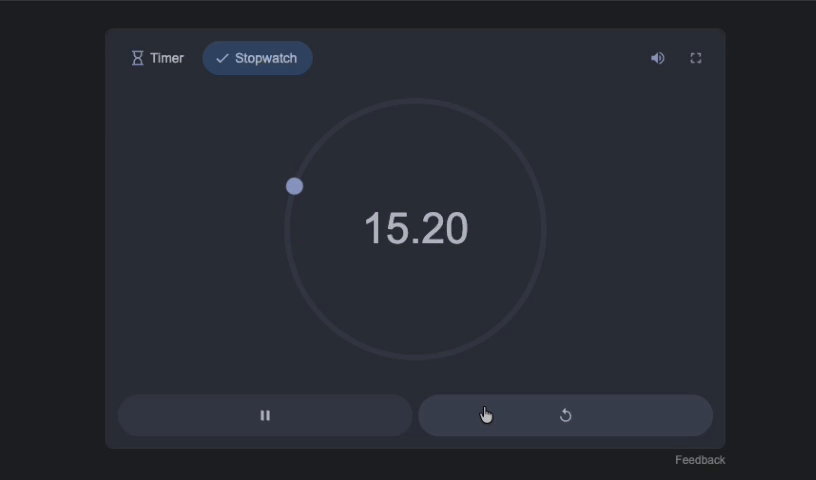
Allow 15 seconds to pass while monitoring the video. The goal is to produce a 30-second video, which will be sufficient for testing the feature.
Step 3#
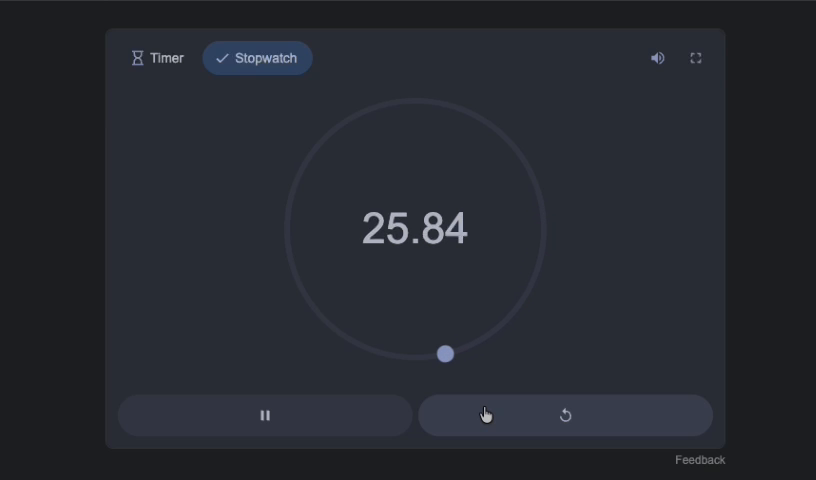
Wait until the 30-second mark is reached. Confirm that the video duration is appropriate and sufficient for moving forward with the testing process. Ensure all components are functioning as expected.